Sound pages: use a sound you heard on another listing
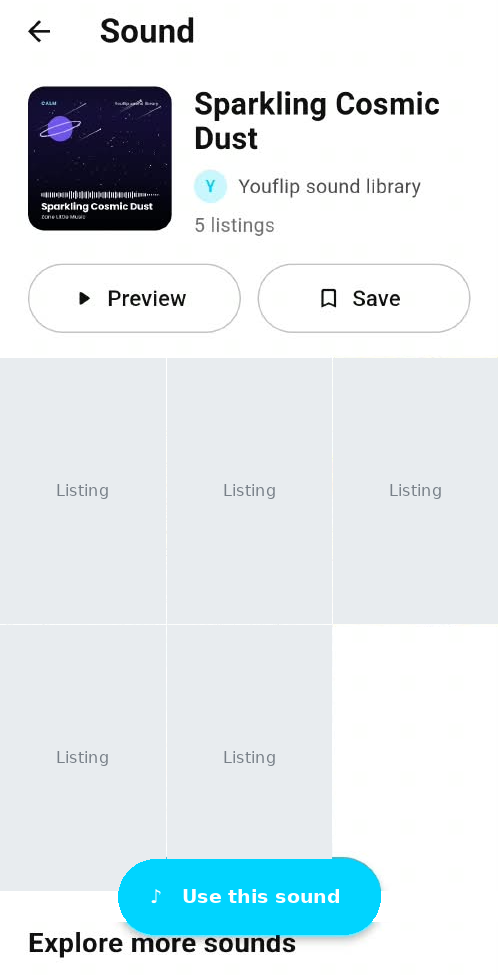
Every sound on Youflip has its own page. Tap the sound on a listing to open it. The page shows who the sound belongs to and all the listings that use it, most viewed first.
To use the same sound on your own listing, tap Use this sound. Your listing joins the same sound page, and the credit always stays with the original: the seller who first recorded it, or the artist of a Youflip library track.
Tap Save on a sound page to keep the sound in your saved sounds.
Still need help? In the Youflip app, go to Settings → Help → Contact Customer Care to chat with the official Youflip Support account.