How to sell an item on the Marketplace
Tap the + button in the bar at the bottom of the app and add your listing: real photos or videos of the item, a name, the price and currency, a description and your location. For a physical product, choose its condition: New, Used or Refurbished.
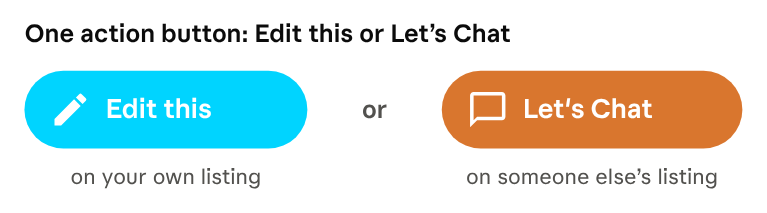
You can add music or a voice-over, and change everything later with Edit this on your listing.
Buyers contact you with Let’s Chat and see only your username. You must be 18 or older to sell, and everything you list must be real, legal and yours to sell.
Still need help? In the Youflip app, go to Settings → Help → Contact Customer Care to chat with the official Youflip Support account.